The entire story:
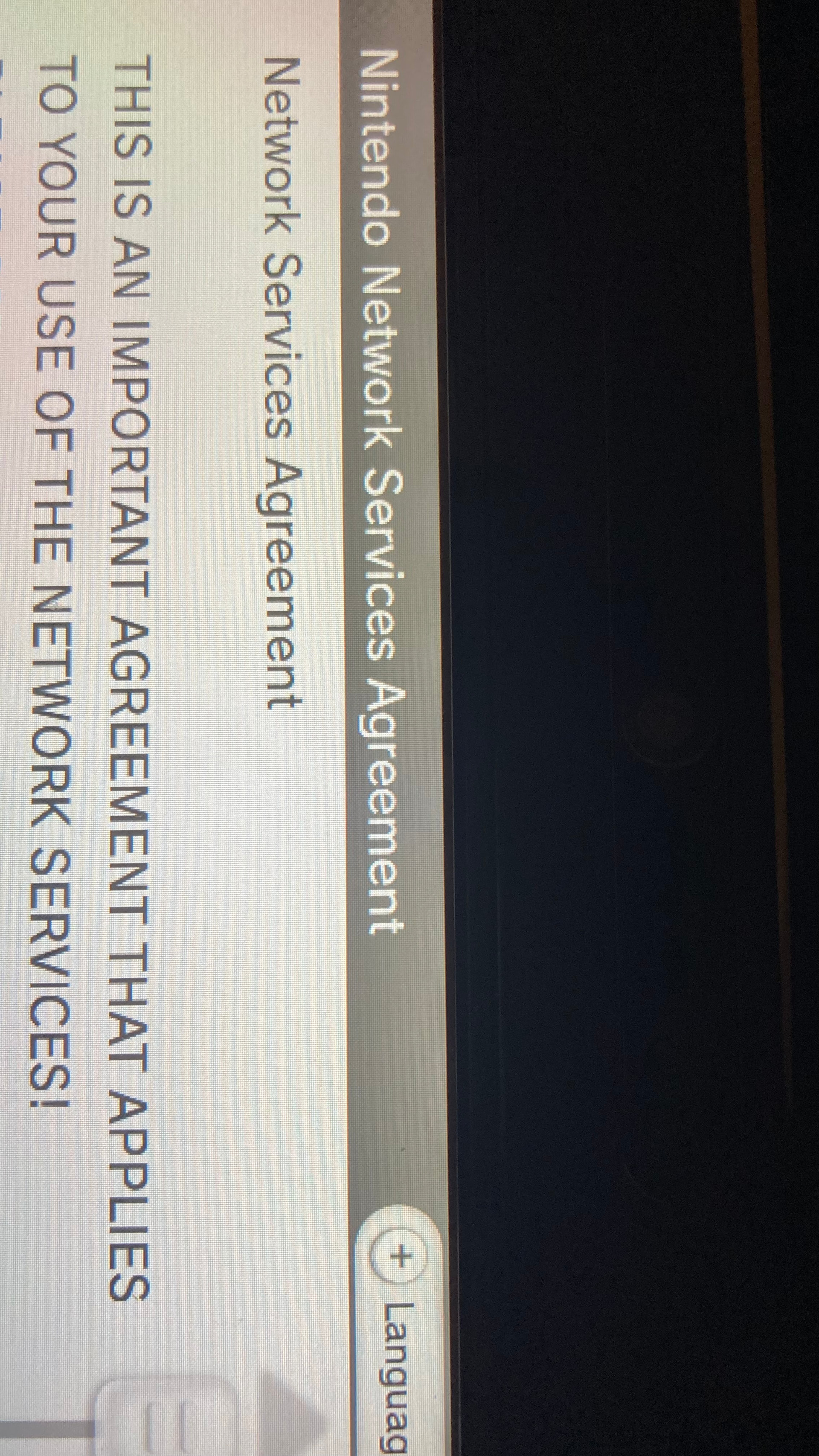
I made / connected a new Nintendo ID to my Wii U but before this I turned off the pretendo DNS so I could and to clarify my Pretendo account is separate from the Nintendo ID. Now the agreement is Nintendos and not Pretendo and anytime I try and connect it says wrong password but I know I am putting the password correctly cause I reset it. I now don’t know what to do and I already deleted off the Nintendo ID and tried putting in the DNS multiple times after. It was working this afernoon but after my fumble it isnt working so I was wondering if there were any methods i to helping me that would be great
1 Like
Hey! I’m not a Pretendo moderator or helper, but I use SSSL on my own unmodded console right now and know exactly what your issue is.
Since you set your Wii U back to Auto-Obtain DNS and created a new user, your console is trying to talk directly to the official, dead Nintendo servers. Because of this, it is rejecting your password. When you log in with the DNS on, the console will still show the “Nintendo Network” logo on-screen, but it’s actually routing to the Pretendo Network in the background.
Since you accidentally deleted your user profile, you can fix this by doing the following:
-
Fix Your Connection Details: Go to System Settings → Internet. Choose your connection and go to “Change Settings.” Scroll over to DNS, set it to “Don’t Auto-Obtain,” and input these exact values:
-
Primary DNS: 088.198.140.154
-
Secondary DNS: 008.008.008.008
-
(Note: The Wii U handles 2.4GHz connections fine, but some ISPs block custom DNS routing. If it fails, try using a temporary mobile hotspot).
-
-
Make a New Profile: Go back to the Wii U main boot screen and click Add New User.
-
Link Your PNID: When the system asks if you want to link an existing account, select Yes. Type in your Pretendo Network ID (PNID) username and password here.
As long as those DNS settings are active first, the console will safely link your Pretendo account instead of looking for Nintendo’s old servers!
AFAIK the Wii U doesn’t handle connecting to Wi-Fi networks over 5GHz, only 2.4GHz, many modern routers still broadcast a 2.4GHz signal by default for backwards compatibility with older devices
The Wii U does have the capability for 5GHz Wi-Fi, but it uses it to connect to the Gamepad
1 Like
sorry, my bad! I was in a hurry. 