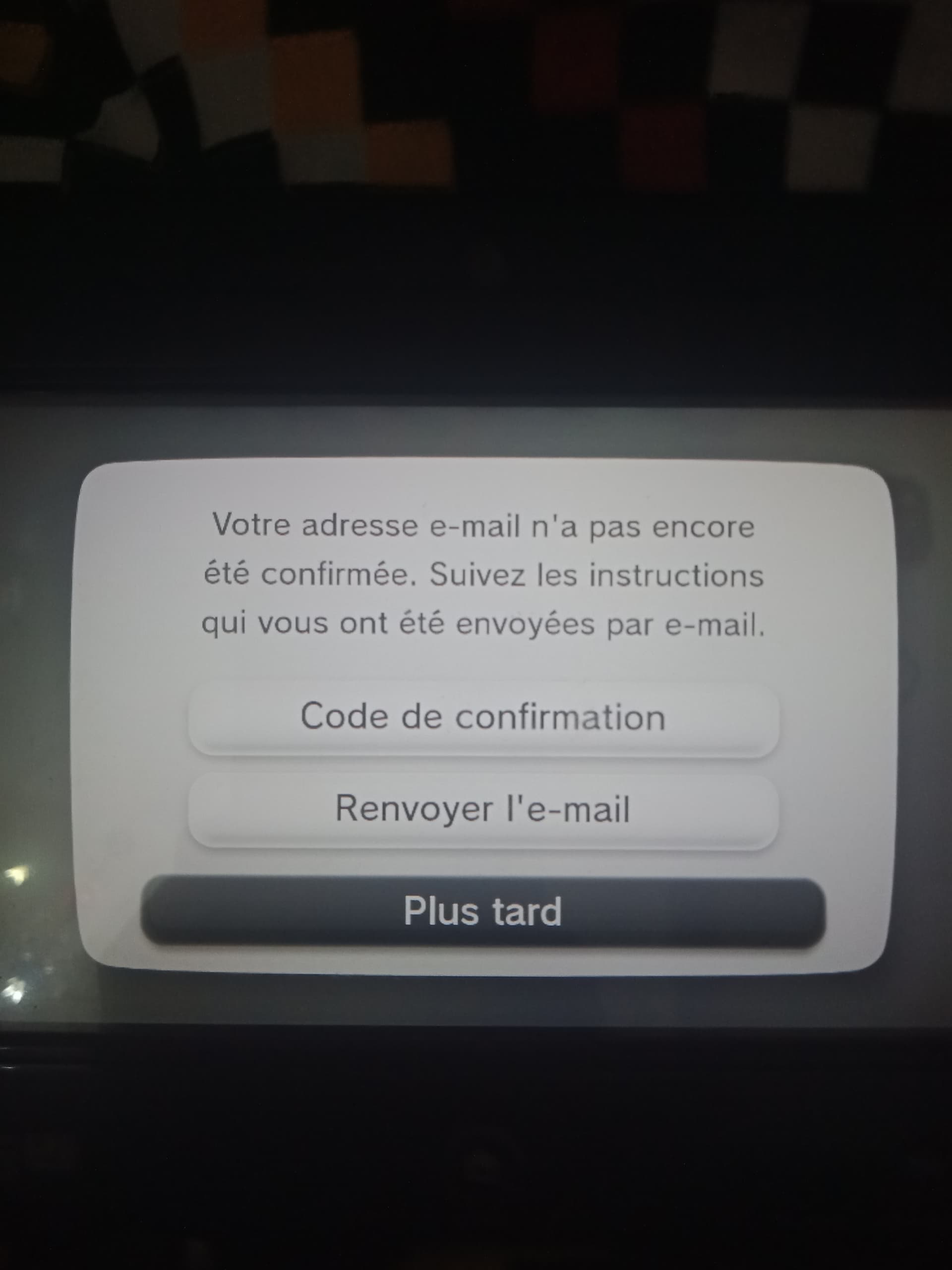
you might have a verification email in your inbox; please check the inbox of the email address you have linked. if you don’t see anything from Pretendo, tap Resend email (Renvoyer l'e-mail) on the GamePad screen, and follow the on-screen prompts.
it may take a few minutes for the confirmation code to be sent to your inbox; if after an hour you still haven’t received an email, it’s possible that the email ended up in your spam folder, or you entered your email address incorrectly when creating your PNID.
Web verification is unavailable at this time; to verify your email, you must enter the six-digit verification code on your console.
Do what @ExpertGem said and enter the code from the email. If you don’t receive their email, there is a way to force it:
Okay, so, I found a solution for people who just don’t receive their verification emails
Note: This only works when you can access account settings page (so no SSSL Wii U)
- Access account settings to where you can change your email
- Change it to the same email
a. If this didn’t work, change it to some other email and then again to the email you want.
What this does is “re-trigger” the email being set and thus sends it out again.
Do you mean the confirmation code will be sent via Gmail?
Thank you very much  , I have confirmed my email.