Hi, similar question probably have been asked here for a hundred times but I just have to ask here again – because I already installed Pretendo successfully in my own 3DS once.
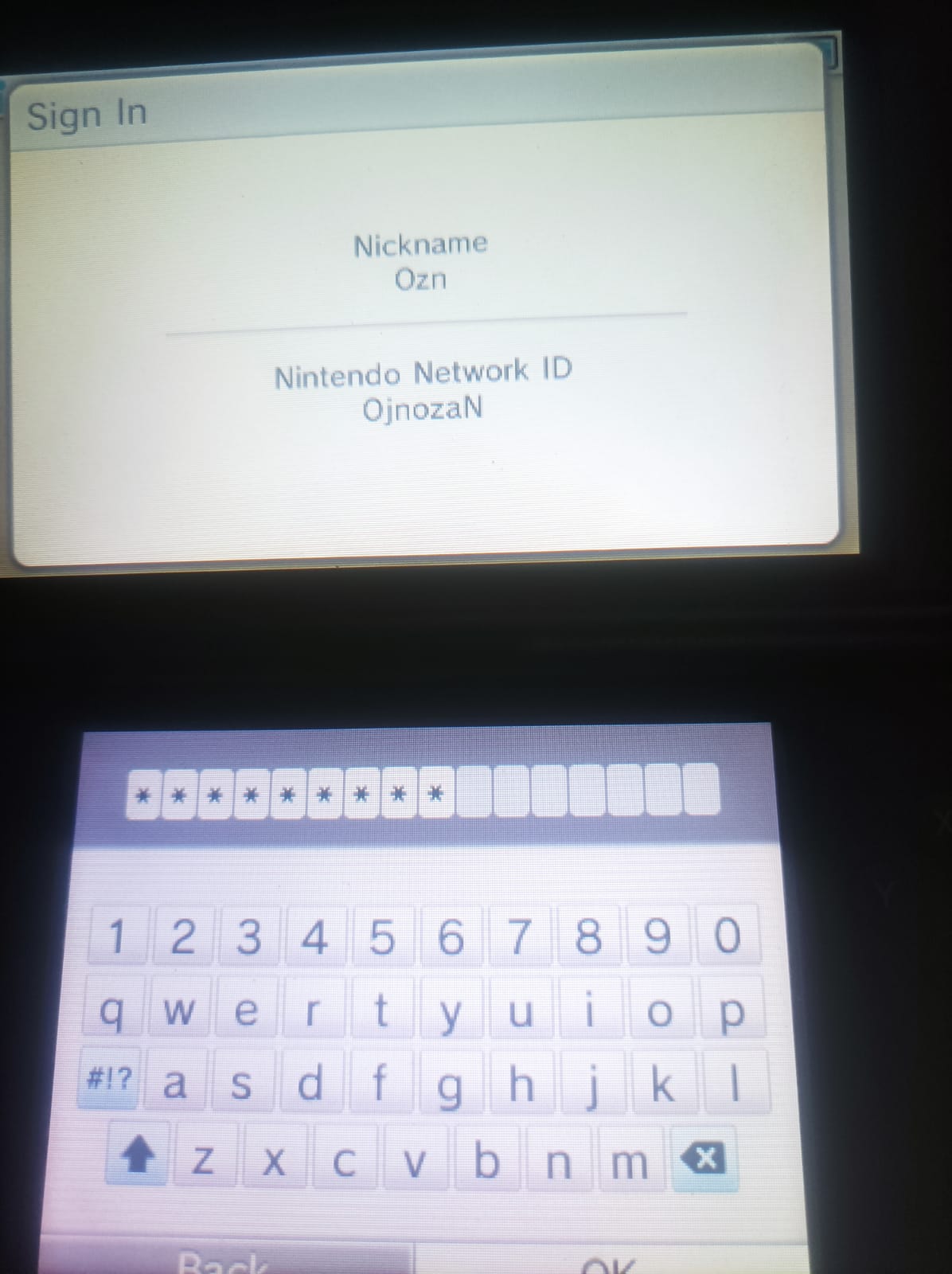
Now I’m trying to install it on my friend’s 3DS (this is his account) but I just can’t get past the login screen.
I think parts of it is because of my mistake; I first made this account via 3DS Pretendo app. But I forgot to copy a folder into the system files and didn’t ‘properly’ install Pretendo. So I assumed(?) the login is stuck between PNID and NNID?
I already reset this PNID’s password and can log in just fine in the Pretendo website, as seen with this forum post. I’ve also done the usual troubleshooting:
-
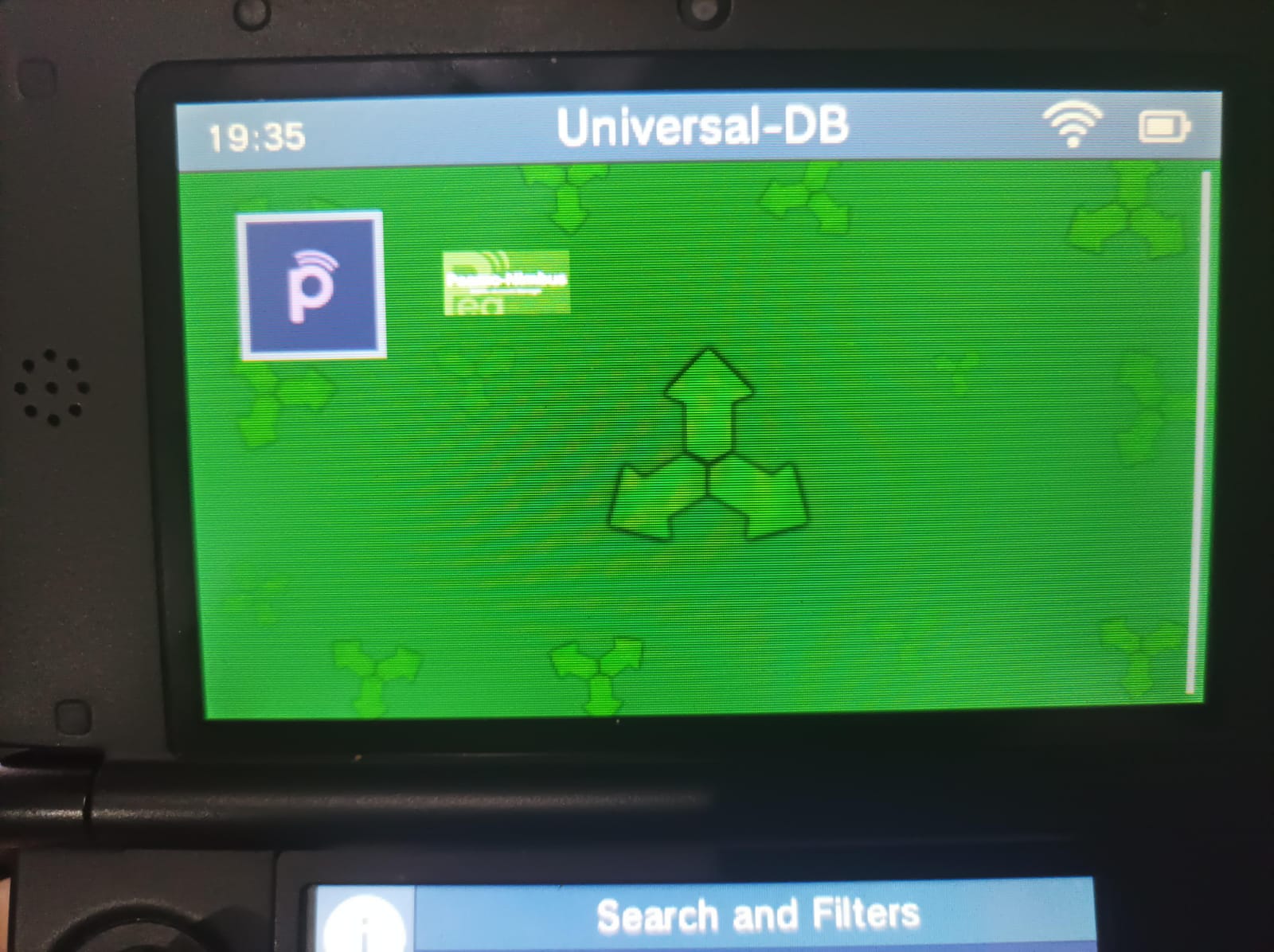
Updating luma and Pretendo via Universal Updater.
-
Logging in using different system language (English to France, vice versa) - this helped with my own 3DS, when my PNID had the same name as the NNID. But no luck this time.
The 3DS System Settings menu keep giving me Incorrect Password error and 022-2452 error every time I use the Forget Password option.
Also I read on the Github page that Nimbus is now at ver 2.1.0 and comes with PNID unlinking functionality. But mine is still at 2.0.2 for some reason?
There are two Nimbuses on Universal Updater, should I install the one with the green icon?
Sounds like you made an NNID on the system with this username. So you can’t really use this username now on that 3DS because you can’t have an NNID and a PNID on the same device with the same name.
Was there an NNID on this system before? If not, you could try removing the new NNID to use this PNID. Or just make a new PNID (my personal recommendation).
This is what I would recommend trying:
Try this:
- Open Universal Updater
- Search “luma” and download the Luma3ds
boot.firm
- Still in Universal Updater, also search “Nimbus” and re-install it (no need to uninstall first)
- reboot console
- Open Nimbus and press Start to finish the Nimbus update process
- Open Nimbus again and click Pretendo
- Go to System Settings > NNID settings at the top to create a new PNID that has a different username.
Yeah, this is actually the second PNID I made for my friend’s 3DS because I already used a different name for both the previous PNID and NNID.
I guess I messed up both PNID creation process and really just have to make a third one. Thanks and I’ll keep you posted
By the way, what’s the difference between these two on Universal Updater?
Nimbus with the Pretendo logo is ours.
The other is not affiliated with us in any way.
It does not connect to our servers.
1 Like
Hi. I’ve followed the usual troubleshooting again (I already did it before I created this thread) but I’m stuck on the login screen because of ‘Incorrect Password’
Then I checked the eShop while switching to Nintendo from Pretendo on Nimbus and apparently I logged in using a NNID with different username than this PNID.
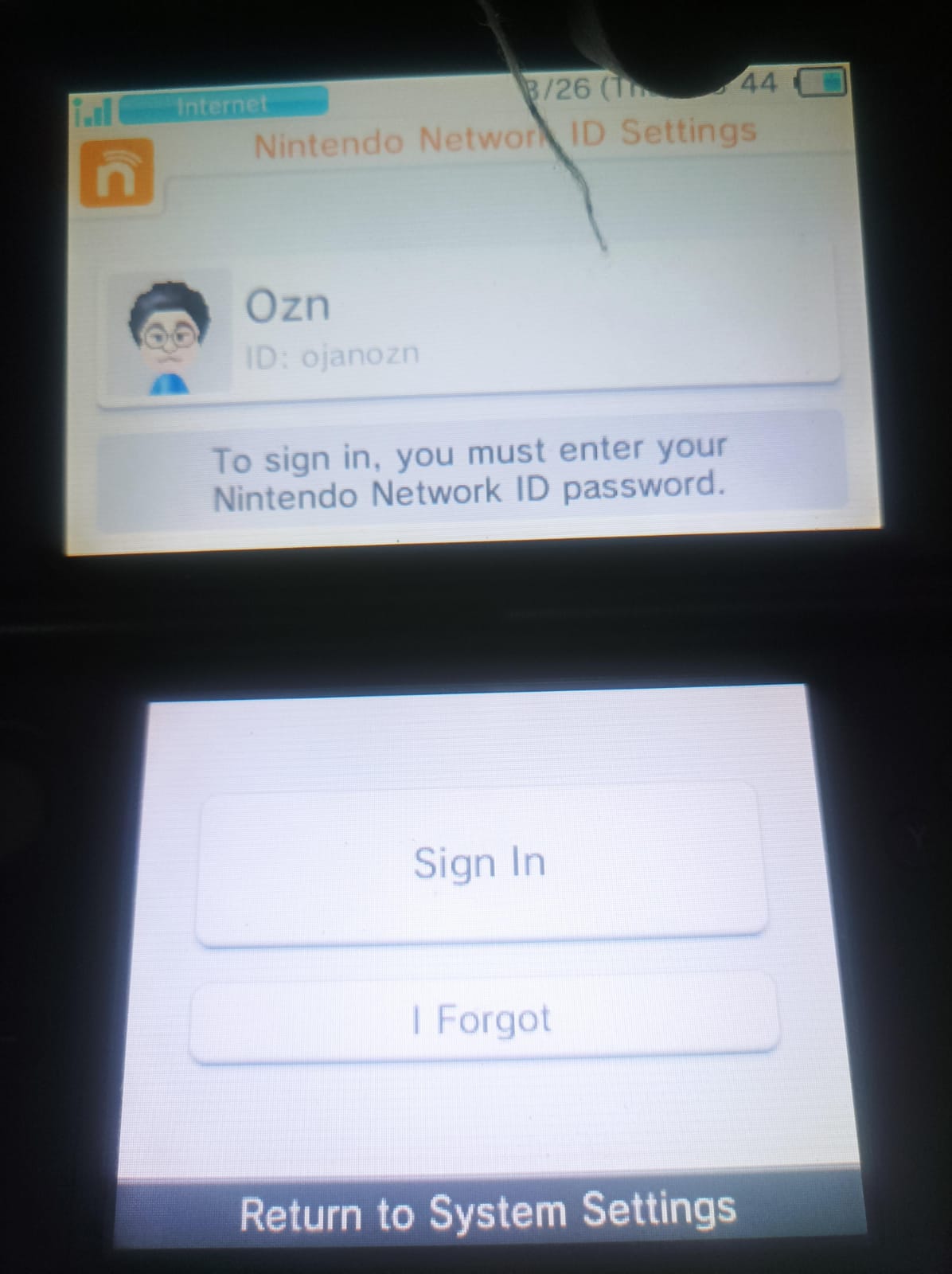
So now how am I supposed to remove this PNID from the 3DS since Sign In and I Forgot are the only option available in the ID Settings? Clicking on Forgot Pass just gave me 022-02452 error (I already switched back to Pretendo). I don’t mind if I have to completely delete the NNID since it’s a new account anyway.
This is the NNID screen on eShop (Nintendo)
This is Network ID Settings (Pretendo)
Then you do not need to remove anything if the NNID is a different name.
PNID or NNID? You said you are having trouble linking a PNID, so it’s not a PNID.
Trying to reset password from a 3DS on Pretendo does not work. You must do it from a Wii U or the website. It’s a bug.
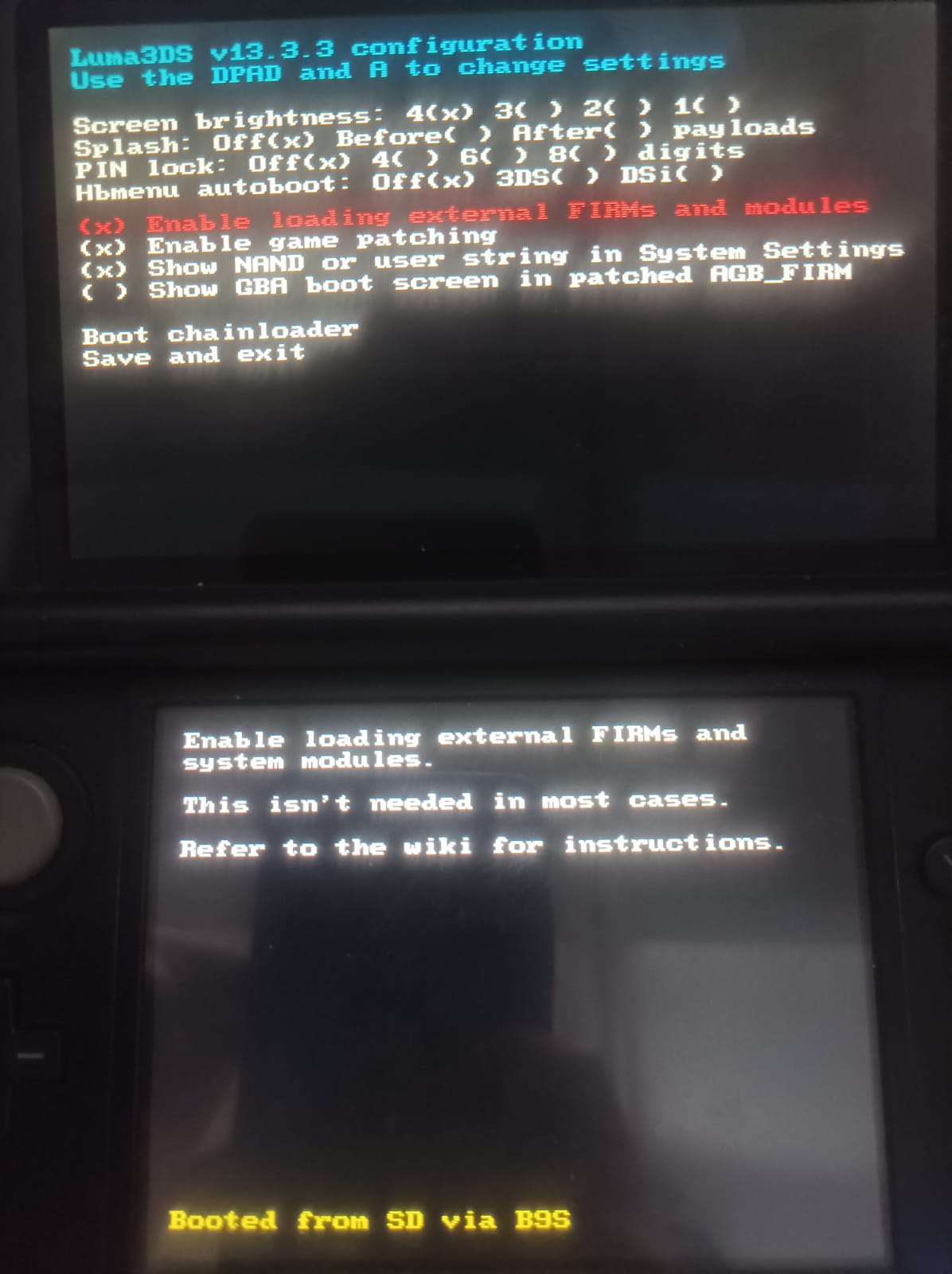
Can you:
- Turn off your 3DS
- Hold SELECT and turn it on
- Upload a picture of the entire top and bottom screens including the yellow text at the bottom
PNID or NNID? You said you are having trouble linking a PNID, so it’s not a PNID.
In case I want to make a new PNID. Haven’t tried changing the password since I need my friend’s phone to accept the email login confirmation, but I’ll ask him tomorrow.
Upload a picture of the entire top and bottom screens including the yellow text at the bottom
You can always unlink a PNID now in Nimbus 2.1.0. Just open it and press the “unlink PNID” button or whatever the text says (it says something along those lines).
Honestly, I am unsure what the issue is.
It’s possible this 3DS just hasn’t switched properly for the ID part, which is pretty rare but a known issue of Nimbus for a few years:
I am not sure if this is the case here, but I don’t know what else to try.
This topic was automatically closed after 7 days. New replies are no longer allowed.